
Procrastination - ep. 2
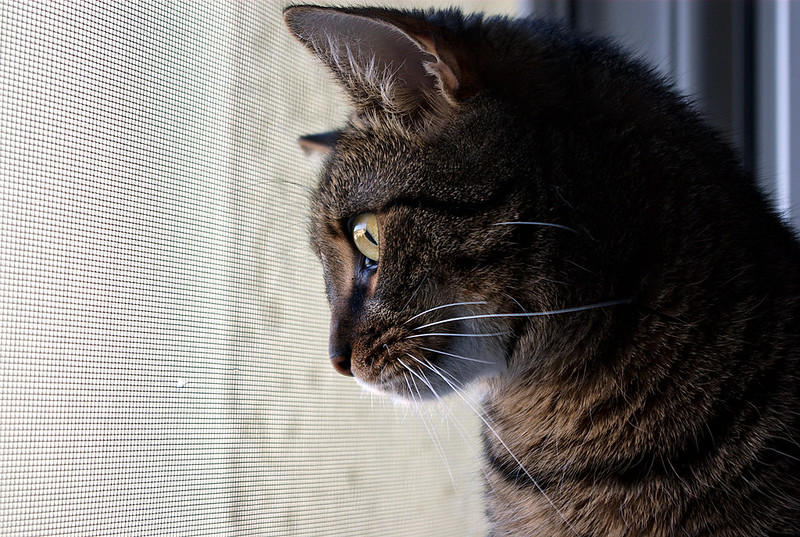
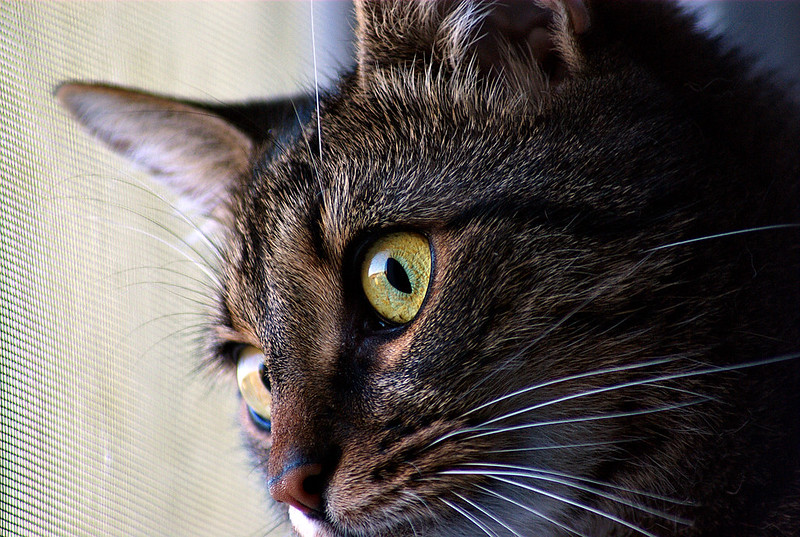
And here we are again.
| camera | Pentax K10D |
| lenses |
SMC Pentax-DA f3.5-5.6/18-55mm AL WR
Tamron f3.8-4.5/75-250mm (104A)
|
date: Sun, 13 Nov 2016 16:02:00 +0000
Procrastination - ep. 1
You know it. You have something to do and there is no force which can force you to do it.
This time I took my new lens and shot my cat in hunting mode.
| camera | Pentax K10D |
| lenses |
Tamron f3.8-4.5/75-250mm (104A)
|

date: Thu, 29 Sep 2016 21:06:00 +0000
Saturday walks - ep. 3
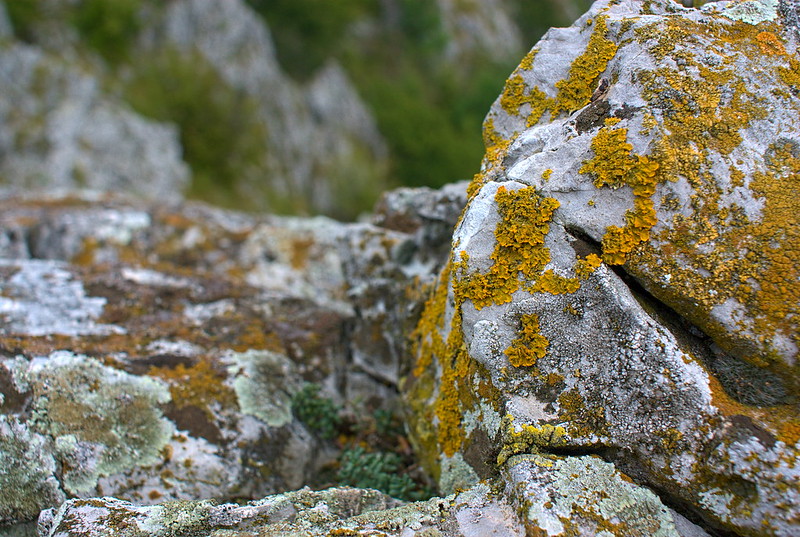
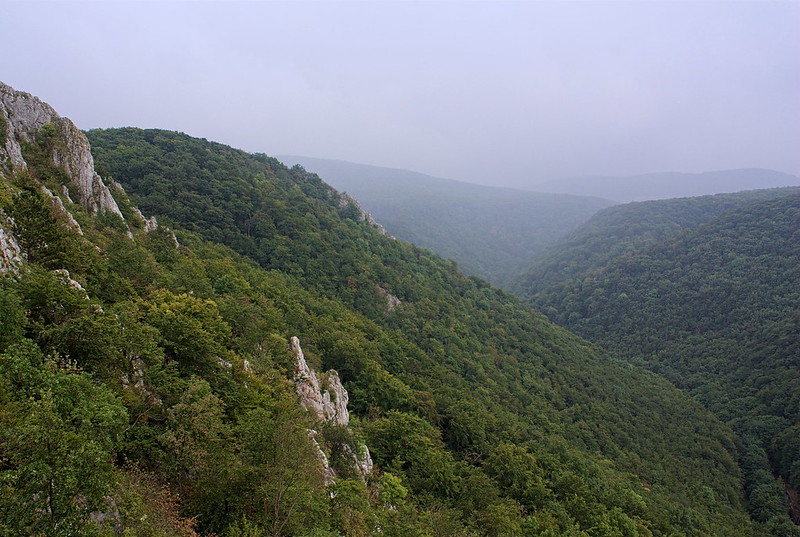
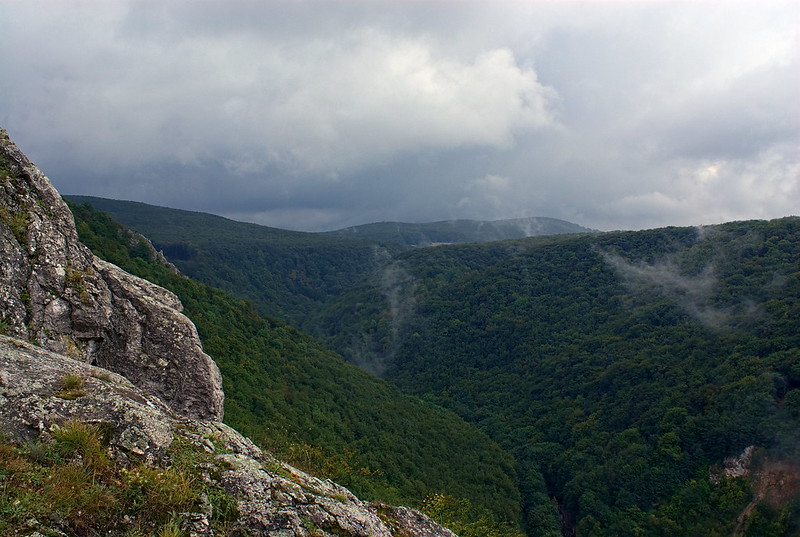
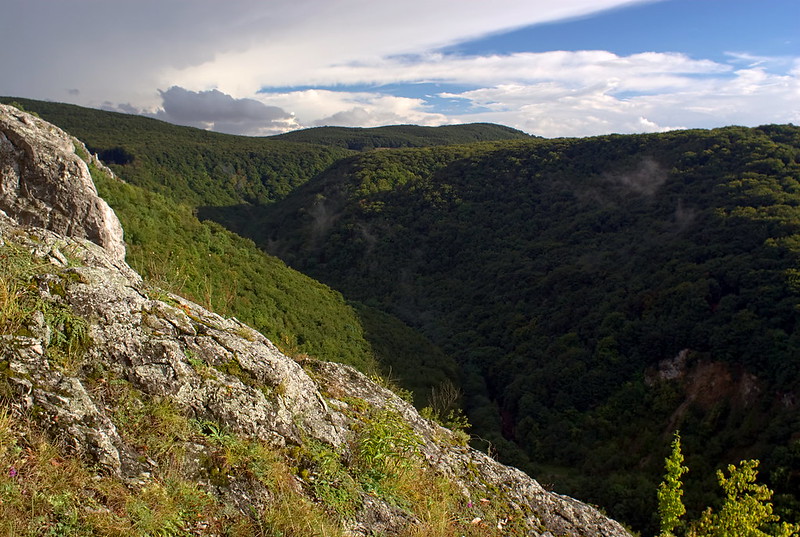
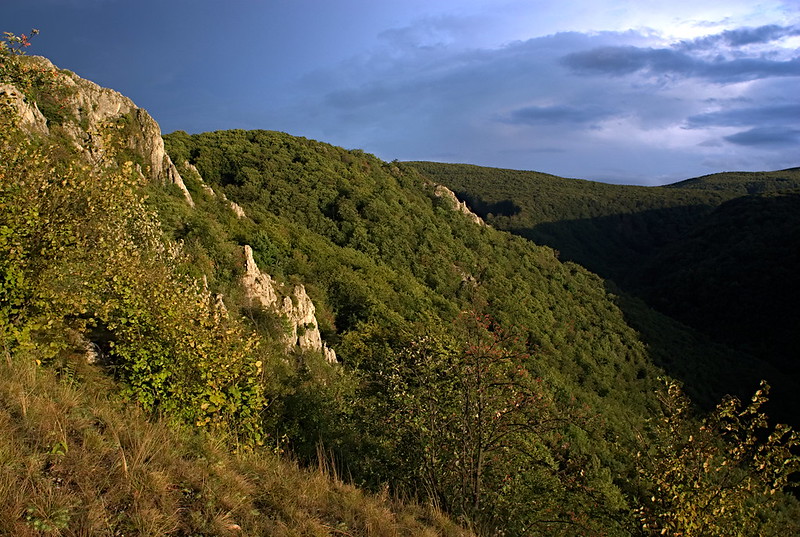
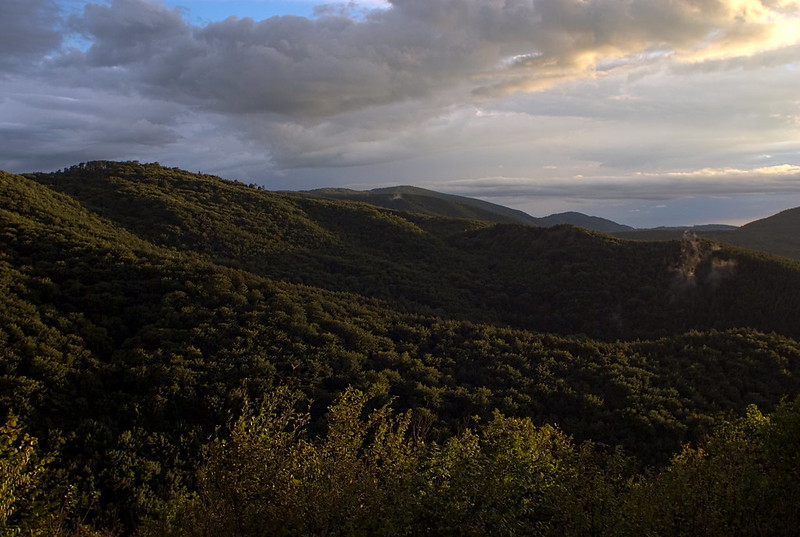
Yesterday I decided to visit village Plavecký Mikuláš and hill Kršlenica. It was cloudy day with rain showers and storm forecast.
When we reach the place we started to look around instead of building shelter. Well bad decision and we had to build it during rain.
Then we spent half the day hiding before cold water.
Overall, it was fun and I enjoyed that walk a lot.
| camera | Pentax K10D |
| lenses |
Tamron f2.5/24mm 01BB
|
date: Sun, 18 Sep 2016 12:38:00 +0000
Feast day walks - ep. 2
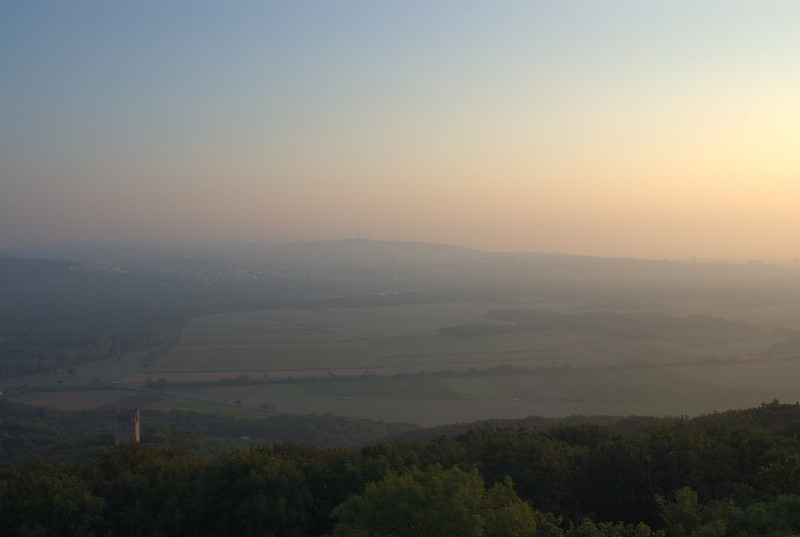
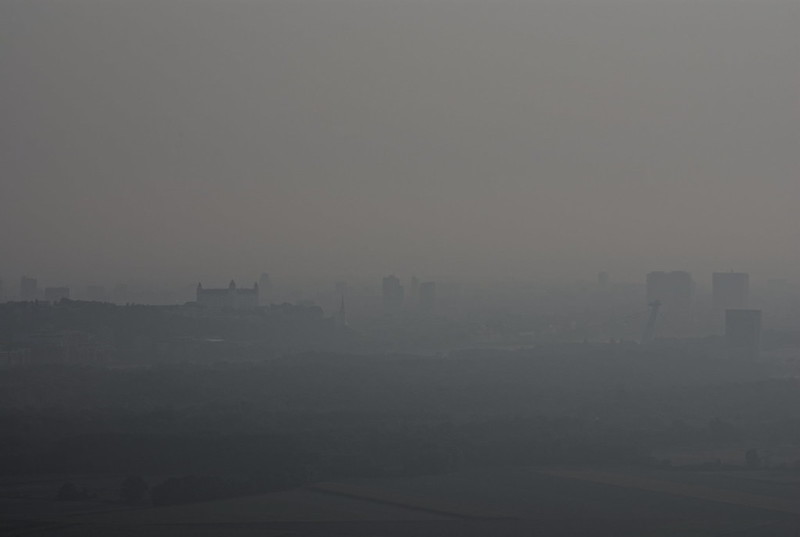
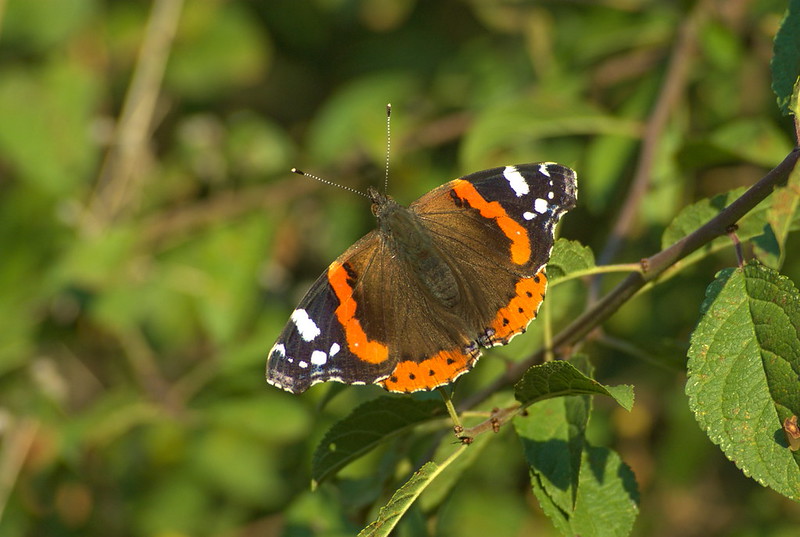
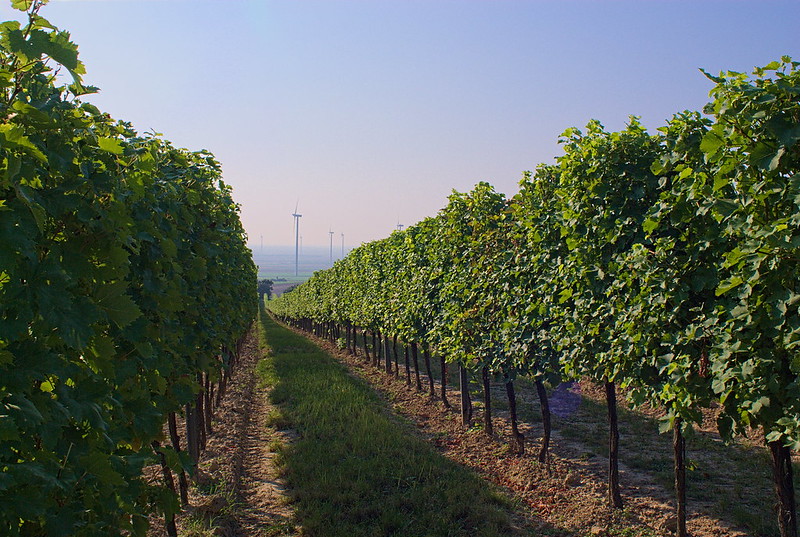
There is no better decision as to go in early morning to place where you never was before.
Today at 06:30 I visited Köningswarte in Austria.
No one believed I will wake up at 04:45 neither I but it happened so there are some photos.
| camera | Pentax K10D |
| lenses |
Tamron f2.5/24mm 01BB
Tokina SZ-X f4.5-5.6/80-200mm |
date: Thu, 15 Sep 2016 11:53:00 +0000
Sunday walks - ep. 4
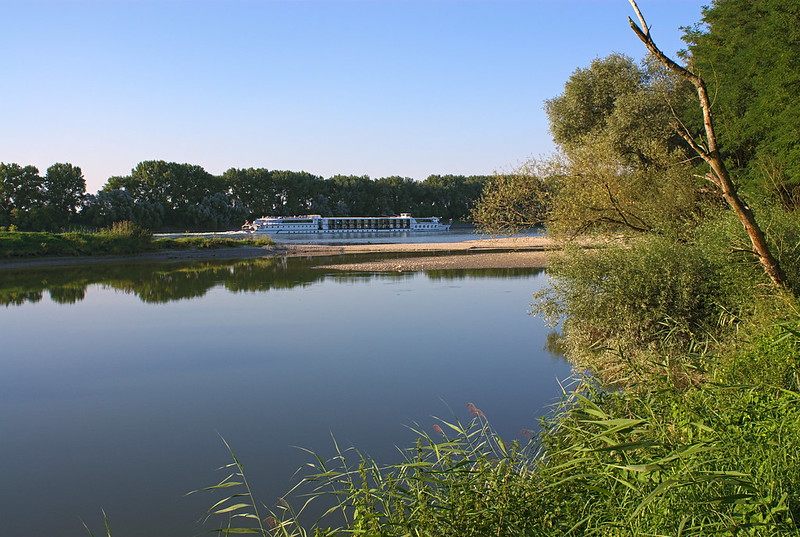
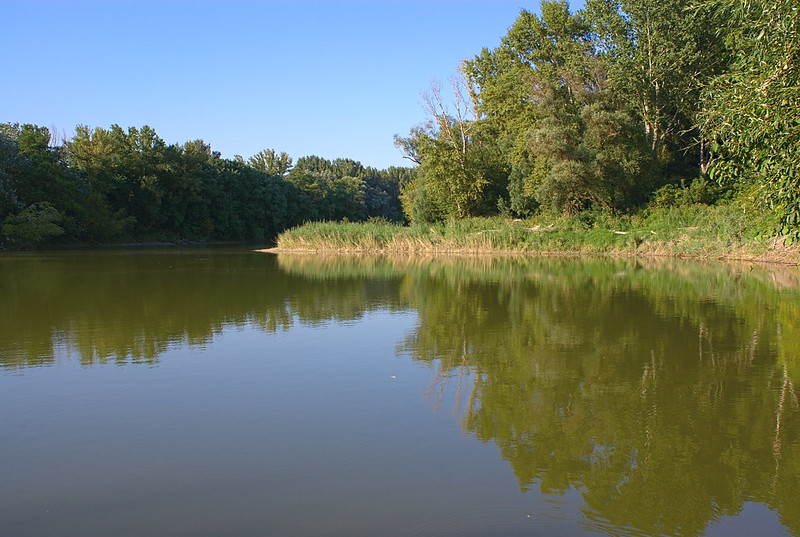
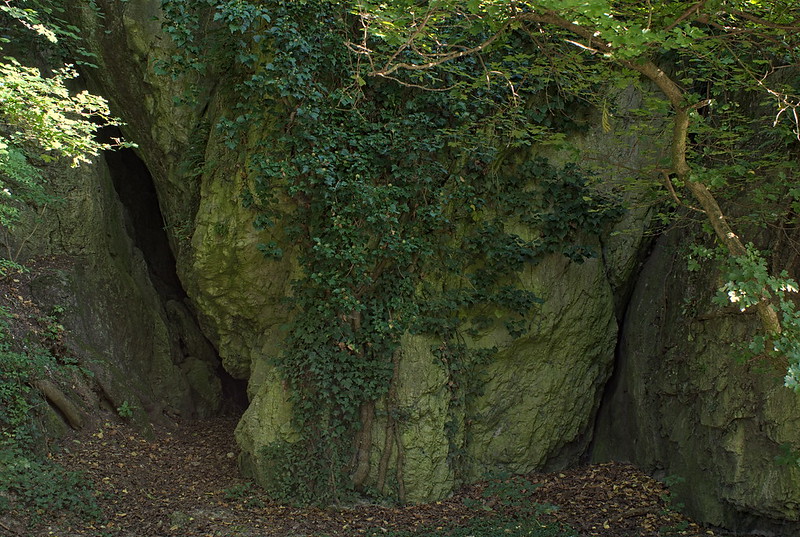
At first I planned to visit Röthelstein ruine with some relaxing at Braunsberg afterwards,
but it turned out to few hours long trip around floodplains in Danube-Auen National Park.
Also I couldn't take some scenery shots at that ruine because of harsh sunlight.
| camera | Pentax K10D |
| lenses |
Tamron f2.5/24mm 01BB
|
date: Sun, 28 Aug 2016 23:41:00 +0000